
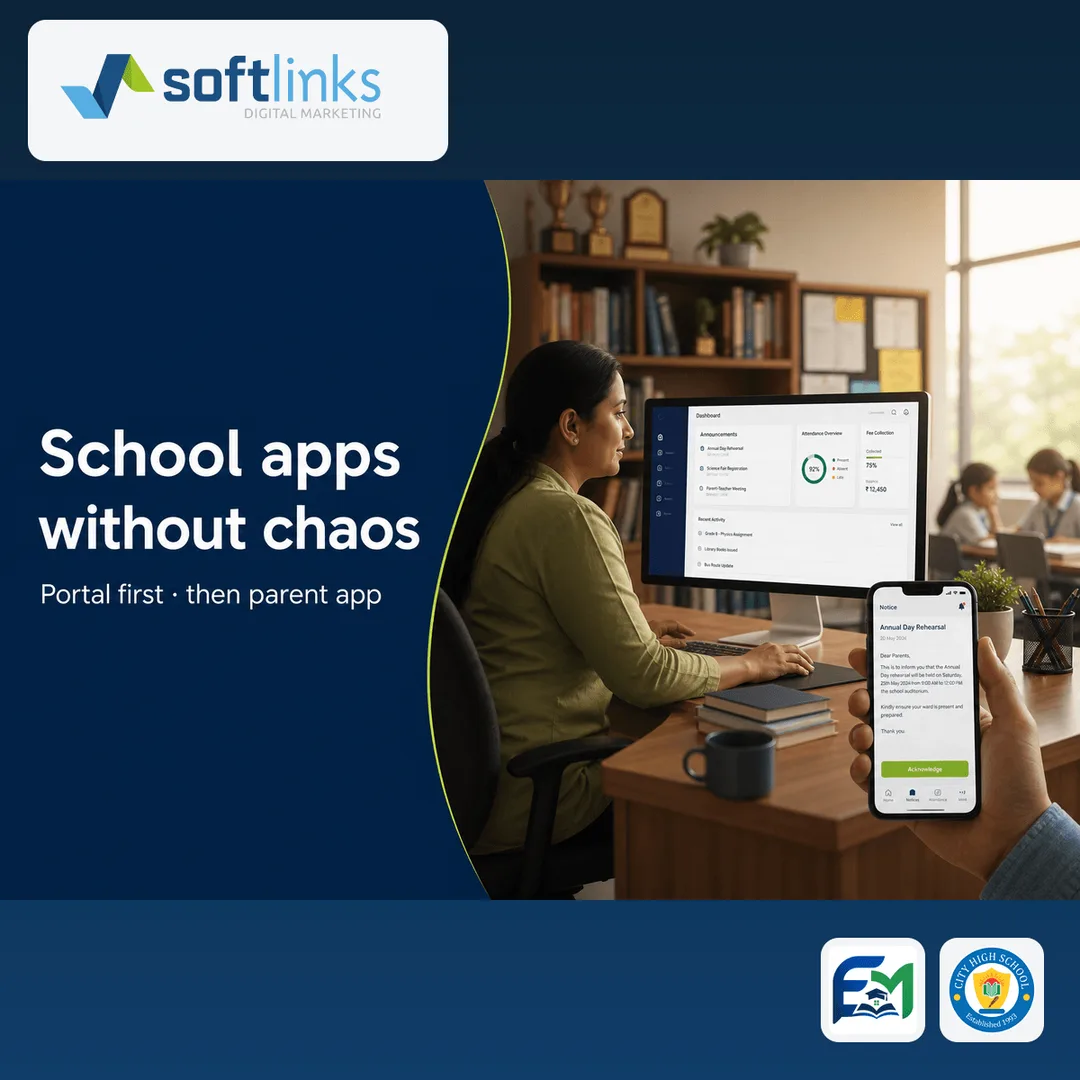
Parent apps succeed when the school’s operations backend and the mobile experience share one source of truth — announcements, fees, attendance, and student updates. They fail when the app is a pretty shell over WhatsApp groups and Excel.
This playbook is for school owners, principals, and IT leads who want a calm launch. Softlinks has shipped this pattern for City High School and Oakville — staff portals first, then focused family apps on Google Play.
Map parent journeys before screens
- Admissions and enrolment updates parents actually need
- Fee reminders and payment status without calling the office
- Attendance and early pickup notices
- School news that should not live only in a broadcast group
- Who can see which child (guardians, drivers, multiple households)
Recommended launch sequence
- Week 1–2: map journeys and cut the first-version list to one or two jobs
- Stand up the ops portal for office staff (announcements, fees, student records)
- Train office staff until they can finish the job without a Softlinks engineer
- Publish a focused Android app to Google Play with the same source of truth
- Pilot with one class or section before a whole-school push
- Measure: did parents finish the job without calling the office?
What Softlinks usually leaves for later
- Every channel (start with the one parents already check)
- A second mobile store before the first store proves the workflow
- Complex report packs when three operational numbers would teach more
- Feature parity with every competitor brochure
Proof and next step
See the CHS and Oakville product pages and Softlinks work case studies for live examples. Prefer a conversation? Bring your fee or attendance workflow — Softlinks will recommend a portal, a parent app, or both.
FAQ
- Should we launch the parent app before the staff portal?
- No. Parents feel every mistake the office still makes in spreadsheets. Stand up staff operations first so the app has one source of truth.
- Do we need iOS and Android on day one?
- Many Softlinks school launches prove the workflow on Google Play first, then expand. Start with the store your families actually use.
Written by
Founder, Softlinks
Founder of Softlinks and AzAd Solutions, building custom SaaS, industry platforms, and mail infrastructure for teams worldwide.