
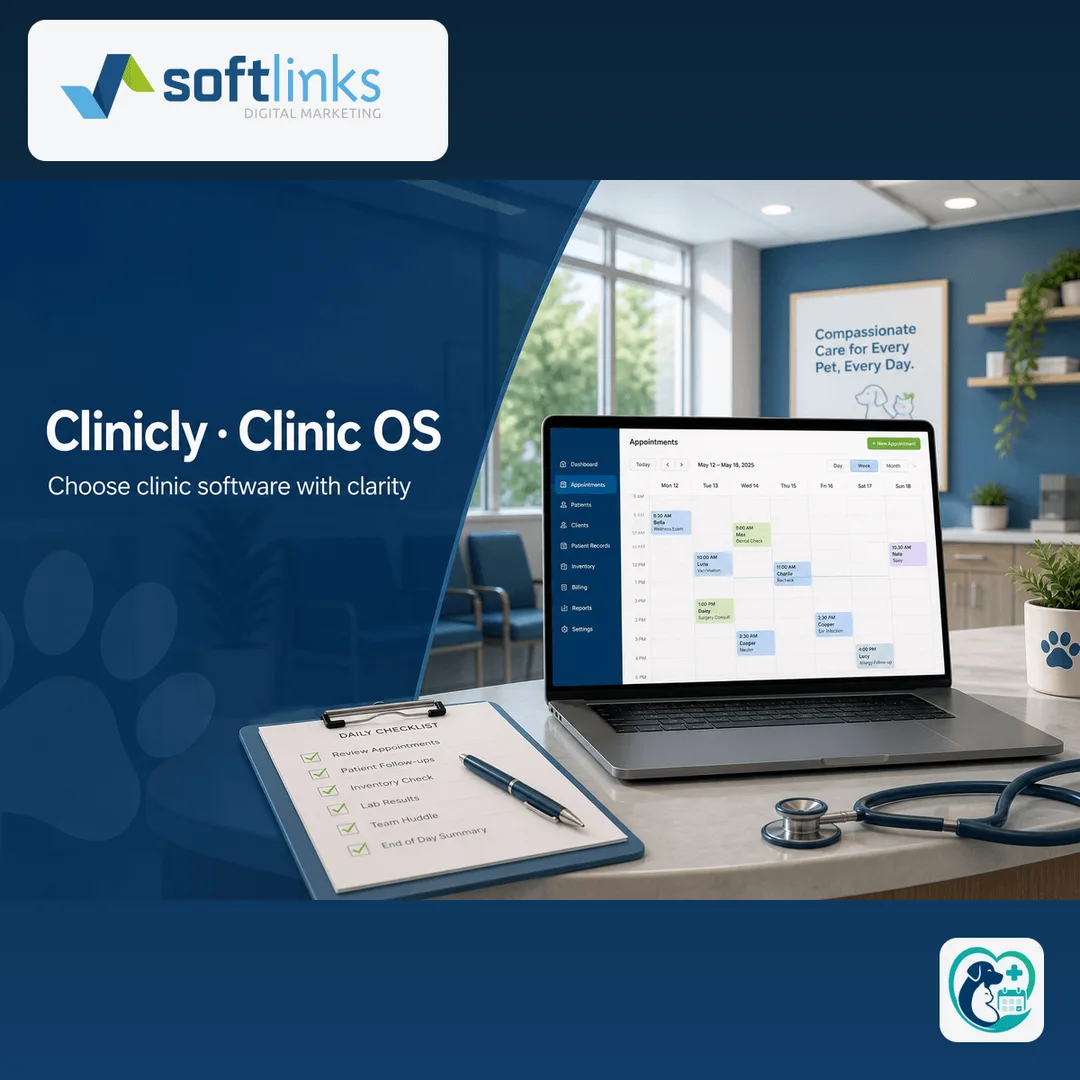
Most clinic and veterinary owners do not wake up wanting software. They wake up to a full waiting room, a WhatsApp group full of appointment changes, and a spreadsheet that three people edited overnight. Choosing clinic software is really choosing how your team will run every busy day.
This guide is for owners and practice managers anywhere who are comparing spreadsheets, generic CRMs, and purpose-built clinic systems. Softlinks ships Clinicly for this exact job — internationally — but the checklist below works even if you evaluate other vendors first.
Signs you have outgrown spreadsheets
- Two or more staff update appointments or patient notes on the same day and overwrite each other
- Billing or vaccine reminders live in personal phones, not a shared system
- You cannot answer “who is due this week?” without opening three files
- New staff need a week of shadowing just to learn “how we do it here”
- You need staff screens and client-facing pages in the languages your market actually uses
What a clinic OS should cover on day one
Ignore 80-feature demos. Ask whether the product closes these jobs without a developer on the phone:
- Appointments: book, reschedule, no-show, and same-day walk-ins
- Patient or animal records: history staff can finish during the visit
- Billing: invoices, payments, and a clear outstanding balance
- Follow-up: reminders via SMS, email, or WhatsApp without copy-paste
- Roles: receptionist, doctor, and owner see different screens
- Basic reports: visits this week, revenue this month, overdue follow-ups
Build vs buy for clinics
Buy (or adopt) a clinic OS when your workflows match most of an existing product and you need a public site plus ops console in weeks. Build custom when compliance, multi-branch inventory, or a unique clinical specialty forces data models no product supports. Softlinks often starts teams on Clinicly and graduates modules to custom only where configuration stops fitting.
A short evaluation checklist
- Can a receptionist finish a booking without calling IT?
- Can a doctor complete notes before the next patient walks in?
- Can you export or report without waiting for a vendor ticket?
- Is there a clear path for WhatsApp or branded email later?
- Is pricing a monthly plan you understand, or a vague “custom quote” for everything?
- Does the vendor show a live clinic case study, not only a marketing site?
How Softlinks helps
Clinicly is Softlinks’ Industry OS for clinics and veterinary practices. See the Clinicly product page for capabilities, and the veterinary case study for a live delivery pattern. If you are unsure whether Clinicly, a portal, or a custom build fits, use the which-product tool or start a short planning chat.
Ready for the next step? Request a Clinicly demo, or start a project brief with your clinic type and city — we typically reply within one business day.
FAQ
- When should a clinic leave spreadsheets?
- When two or more people update patient or appointment data daily, when WhatsApp threads become the real record, or when billing mistakes cost more than a monthly software plan.
- Do I need a custom build or a clinic OS?
- Start with a clinic OS if appointments, records, and billing match 70%+ of what you already do. Build custom only when compliance or market rules force unique data models.
Written by
Founder, Softlinks
Founder of Softlinks and AzAd Solutions, building custom SaaS, industry platforms, and mail infrastructure for teams worldwide.