
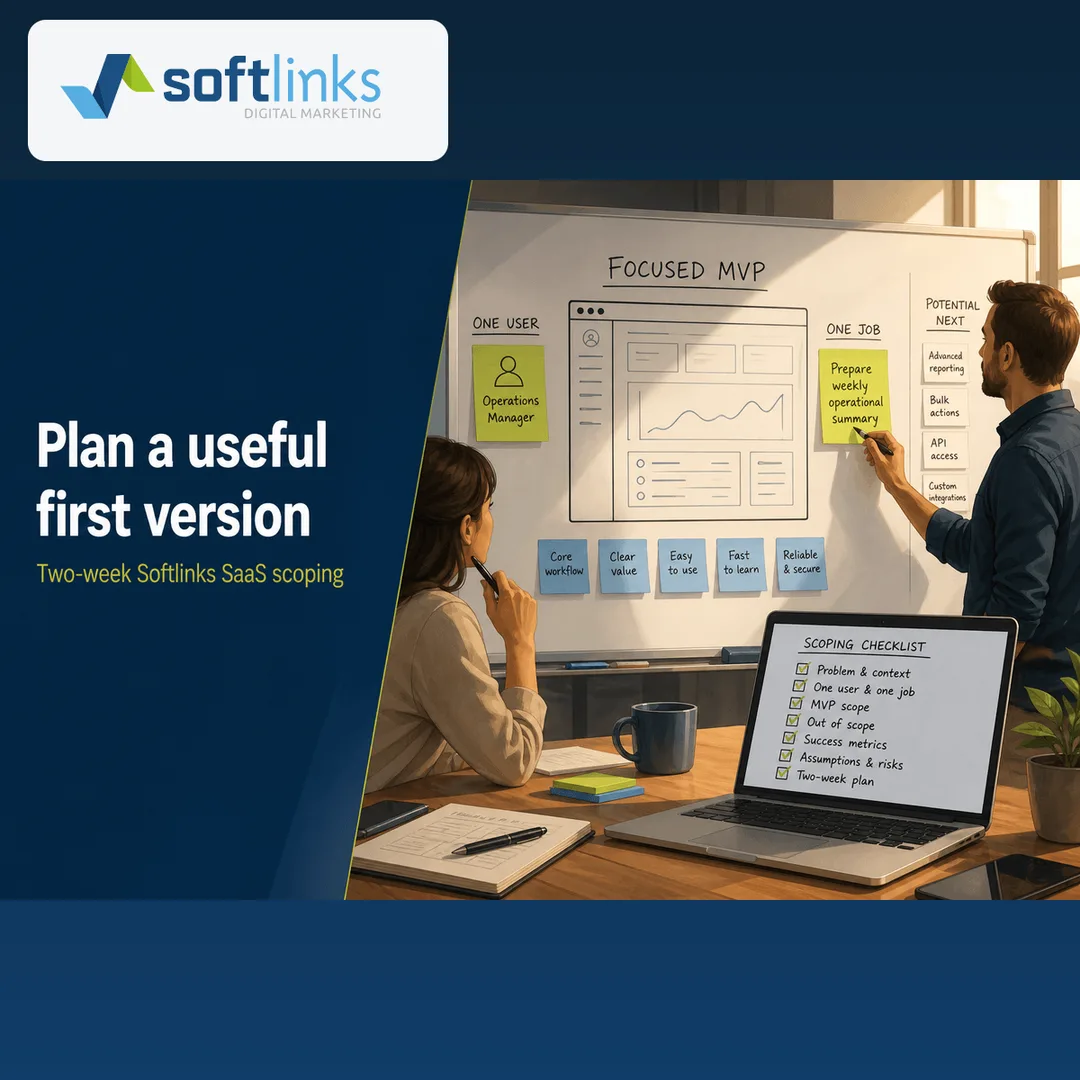
A first version of software is not “half done.” It is the smallest useful product that helps one type of person finish one real job — like taking an order, booking an appointment, sending a fee reminder, or checking stock.
Many projects get expensive when the wish list keeps growing. Softlinks uses a two-week planning process so you leave with a clear plan, a written list of what will wait, and enough confidence to say “build it now” or “not yet.”
What a useful first version looks like
If your main user still needs to call your team to finish the job, you do not have a usable first version yet — you have a demo. We plan for that one job first, then add only the login, admin screens, and basic reports you need to run day one.
- One main user — for example a clinic receptionist, a school office, or a shop owner (not everyone’s wish list)
- One important job that saves time, earns money, or reduces mistakes
- A version you can put in front of real people on a clear timeline
- Simple numbers after launch — so you know if people finished the job or got stuck
Our two-week Softlinks plan
Week one is listening and cutting the list down. Week two is deciding what to build and in what order. We do not write a thick requirements book — we produce a practical plan you can price and schedule.
- Days 1–3: talk to the people involved, pick the main user, name the one job that matters most, and sort “must / should / later”
- Days 4–7: sketch the key screens and the information you need; note payments, WhatsApp, email, or other links that must work on day one
- Days 8–10: keep login and admin to the minimum; agree how you will measure success; write down what you will not build yet
- Days 11–14: estimate the work, set the build order, and recommend go / wait / use an existing Softlinks product
The Softlinks first-version checklist
Use this list yourself or with us. If any line is unclear, stop and settle it before anyone starts building.
- Who is the main user? Name their role and what “finished” looks like for them
- What is the one job they need to complete each week that makes this software worth paying for?
- Keep login and admin simple — sign-in, basic roles, and only the staff screens needed on day one
- Decide how you will check progress — simple reports or alerts that show completed jobs, drop-offs, and errors
- Write down what you will not build yet — extra features, extra apps, and extra connections
- Set a deadline or budget limit so the list stays honest
- Name every connection that must work live early (payments, WhatsApp, email, accounting tools, and similar)
What we usually leave for later
Good planning is mostly about what you say no to first. Softlinks often waits on these until the first version works well:
- Partner portals or many separate company accounts before one company can finish the full job
- Messages on every channel — start with the one your users already check
- Big custom report packs when three simple numbers would teach you more
- Apps for every phone type when a focused website or one store app can prove the idea
- Extra polish on admin screens that does not help the main job
What you get at the end
- A one-page brief: who it is for, the main job, how you will measure success, and what waits
- A list of the key screens and the information the system must store
- A clear size of work Softlinks (or your team) can plan against
- A plain recommendation: build now, start with an existing Softlinks product, or wait
When to talk to Softlinks
Use this checklist if you already have an idea and need help cutting it down. Or ask Softlinks to run the two-week plan with you and hand back a build-ready brief — then stay with us for delivery and ongoing support if you want.
Ready for the next step? Start a project or message us for a short planning chat — we typically reply within one business day.
Written by
Founder, Softlinks
Founder of Softlinks and AzAd Solutions, building custom SaaS, industry platforms, and mail infrastructure for teams worldwide.